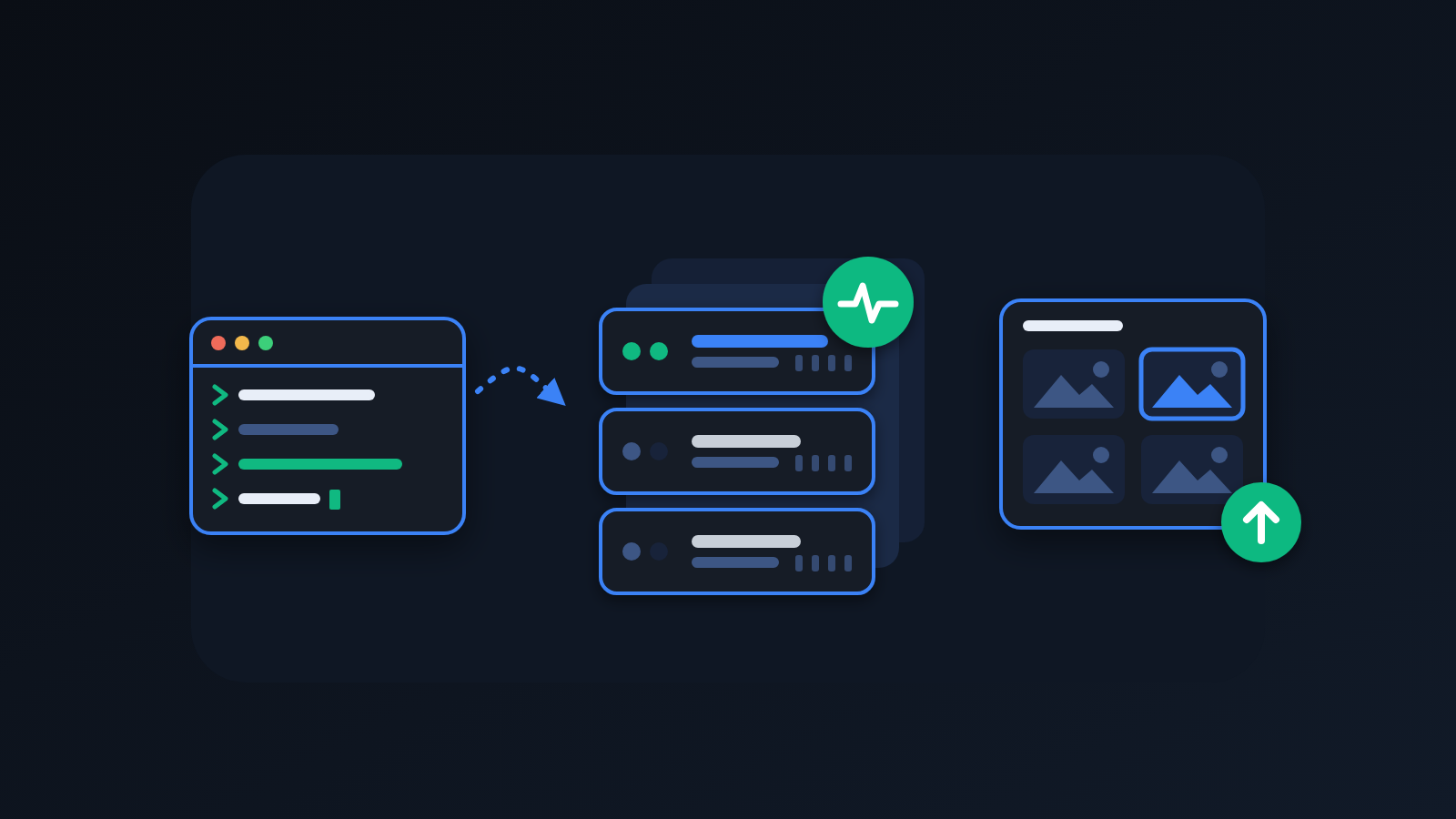
oCMS 0.33.0 is out, and its biggest change is in how the CMS reaches a server, not in the CMS itself. The shell scripts that deployed, backed up and monitored oCMS sites are gone. Their replacement, ocmsctl, is a single Go program that runs on both your machine and the server. The release also lets editors upload images without leaving the image picker.
IT Digest runs on oCMS (see the case study), so the release matters here directly. Below: what a deploy actually checks, how failures get reported, and what to look at before upgrading.
// Why replace scripts that worked
Shell scripts are a reasonable way to start deploying a single Go binary. They are a weaker way to prove that each step worked. Typical gaps: an upload that arrived truncated, a restart that returned 0 while the process died a second later, a backup that failed into a log nobody reads. In 0.33.0, each of these has an explicit check in Go, on both ends of the SSH connection.
The local side uses the system ssh and rsync, so ~/.ssh/config, agents and jump hosts keep working. On the server, every site is a systemd unit, ocms@<site>, behind Nginx.
// What a deploy checks
- The upload: the binary's SHA-256 is computed before sending and verified on the server, along with a check that the file is a Linux executable. A bad upload stops the deploy before anything is installed or stopped.
- The switch: each binary becomes a release directory, and
/opt/ocms/bin/ocmsmoves to it by renaming a symlink. Running sites keep the binary they started with until they restart. - The health check, twice: every restarted site must answer
/healthwithin 30 seconds, and each healthy site is asked again 3 seconds later. Because systemd restarts a process that exits, a binary that crashes right after its first answer would otherwise pass. - The report: each site comes back
OKorFAILEDwith the tail of its log, and the command exits 1 if any site failed.
The design choice worth noting is what ocmsctl does not do: there is no automatic rollback. The new binary may already have migrated the SQLite database, and quietly putting the old binary back could leave it running against a schema it doesn't know. The failed release stays installed, and the output names the ocmsctl rollback command. A deploy that passes keeps the newest three releases. A failed deploy prunes nothing, so a retry never deletes the last working binary.
// Backups and alerts that don't fail quietly
The nightly ocmsctl backup takes an integrity-checked online snapshot of each SQLite database, plus archives of uploads and custom files. It works as the site's own user, never as root, so a symlink planted in a site directory cannot redirect a root-owned write. A failed backup keeps every earlier copy; archives older than 30 days are removed only after a successful run.
Failures are sent to someone. Cron mails a failed backup when MAILTO is set, and an optional executable at /etc/ocms/alert receives the site, a status and a message. A few lines of curl are enough to forward them to Telegram or any other channel. The statuses are DOWN, NEEDS ATTENTION, recovered, BACKUP FAILED and MONITOR FAILED. The five-minute check restarts an unhealthy site at most three times per outage and prints only when the state changes. When the hook fails, its events are kept and retried by the next check.
// Production data on a laptop, scrubbed
ocmsctl pull copies a site into a development checkout while production keeps serving. The database arrives as an online snapshot. Before it replaces the local copy, sessions, OAuth tokens and preview links are deleted, webhook and scheduled-task targets are cleared and disabled, and the hCaptcha secret is removed. The documentation is direct about the limits: password and API-key hashes, sealed MFA secrets and form submissions remain, so the copy is still production data. pull also prints every local path it will write before it changes anything.
// A pattern beyond oCMS
The deployment logic lives in internal/sitectl, which imports nothing from oCMS; a test, TestSitectlIsApplicationAgnostic, enforces it. The oCMS-specific parts (names, paths, health endpoints, the unit template) are supplied by cmd/ocmsctl/main.go. The package is internal, so another project would copy it under the GPL-3.0 license rather than import it. Even so, it is a useful reference for anyone running a few Go services behind systemd and Nginx on one Linux host.
// Upload where you pick
For editors, the change is smaller but more visible. The Featured Image, Open Graph, TinyMCE and theme settings pickers each offer Upload Image, and an unsaved form stays as it was during the upload. JPG, PNG, GIF and WebP images up to 20 MB are accepted. In TinyMCE, the picker now opens above the editor's own dialogs instead of behind them, and Small and Medium insert the matching variant, falling back to the original image when that variant does not exist. Both requests came from @c-nv-s.
API and MCP clients should take note: thumbnail, medium and large media URLs are now listed only for variants that exist. Small images and ICO files no longer return URLs that lead to 404. Code that assumes these fields are always present needs a fallback to original. POST /api/v2/media returns 422 validation_error for corrupt images and for images that exceed decoding limits.
// Before you upgrade
- Toolchain: source builds need Go 1.27.4, which includes
net/httpand toolchain security fixes. Regenerate custom module views with templ 0.3.1100 before rebuilding. - Validation: unsafe menu URL schemes are blocked during import and rendering,
site_logois validated, andsite_urlmust be an HTTP or HTTPS origin. Check imports that relied on looser values. - Moving from the scripts: run
make server-setup, retire the old cron entries once the new jobs work, and enableocms@<site>for sites that ran in PID-file mode. The first deploy keeps the previous binary as a-legacyrelease you can roll back to. Follow the migration guide. - Coming from 0.31.x: 0.32.0 ends every session, makes an unset
OCMS_ENVmean production, and starts Event Log retention. Read the 0.32.0 announcement and the v0.32 upgrade checks first.
Archives and checksums are on the v0.33.0 release page. For the full operator reference, read Deploying oCMS with ocmsctl and the project announcement.